Released Speech Bubble Editor
2026-01-31
We have released a web app "Speech Bubble Editor" that allows you to add manga-style speech bubbles to images.
Sorry, this web app only supports Japanese.
What kind of app is it?
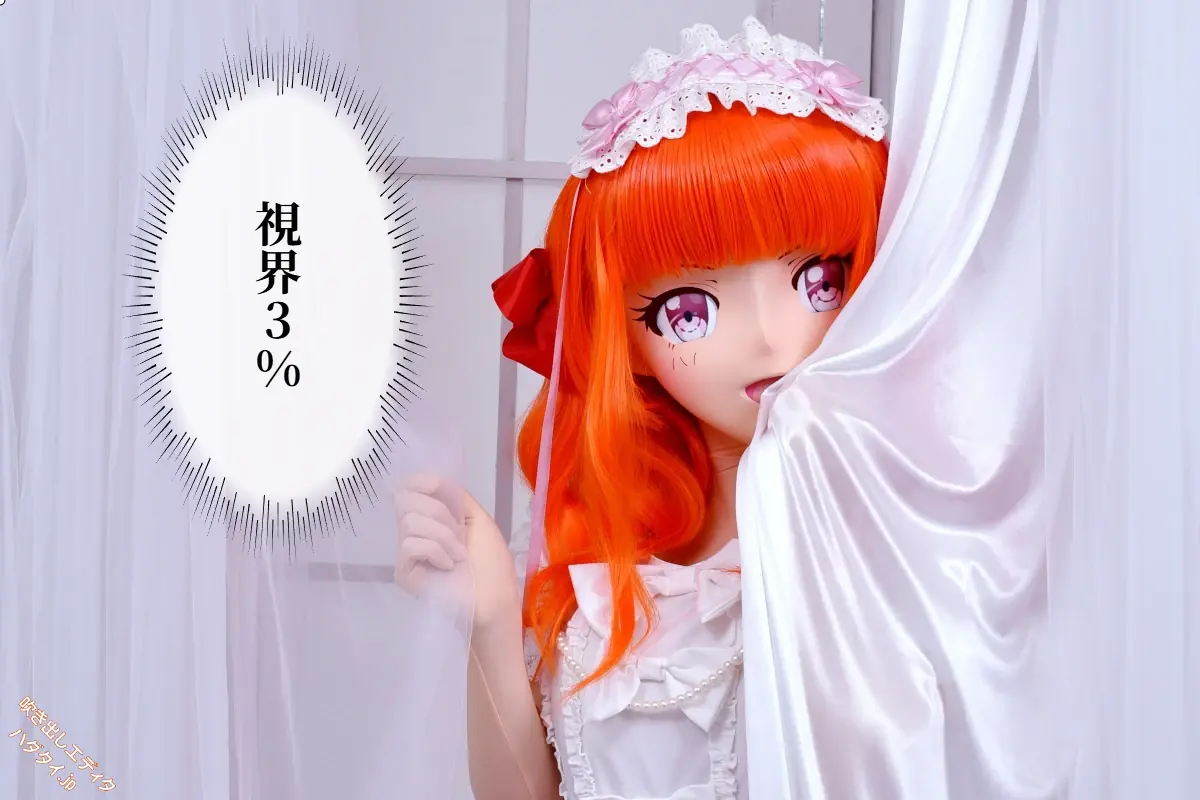
It's a tool that lets you add manga-style speech bubbles and dialogues to photos and illustrations.
There are 4 types of speech bubbles available.
| Type | Usage |
|---|---|
| 💬 Normal | For regular dialogue |
| 🗯️ Shout | For anger or surprise |
| 🔲 Narration | For situation descriptions or inner thoughts |
| 💭 Flash | For flashback scenes, etc. |
It supports vertical text, so you can create an authentic Japanese manga atmosphere. You can also choose from 11 different fonts.
It works on both smartphones and PCs - all you need is a browser.
Images are not sent to the server
Some of you might be worried: "Do I have to upload my images?"
Images are never sent to the server.
You can use it without worrying about privacy.
Well, that's the official reason. The real reason is that if we had a save-to-server feature, it would mean external data flowing in, and security considerations would skyrocket. Worrying about whether something is embedded in the image, or security holes for server intrusion through form input values - there are so many troublesome things, so we decided not to save anything.
Modern browser capabilities are amazing. Since images can be created on the browser side, there's no need to input data to the server, edit with imagemagick or pillow, and return it to the client.
Challenges during development
Here's a little behind-the-scenes story about the development.
Preview and saved image look different
I was troubled by a phenomenon where the appearance during editing and the saved image had slightly different bubble shapes...
The cause was that the drawing methods for screen display (SVG) and image saving (Canvas) are different. The problem of the bubble "tail" thickness changing was finally solved after modifying the calculation formula many times.
Web image editors seem easy to conceive, but this is actually a trap. Since the DOM concept and Canvas concept are different, the processing to align them takes an enormous amount of time. I started thinking halfway through: "Wouldn't it have been easier to make this as a native app from the start?"
PC and smartphone support was harder than expected
I thought if it works on PC, it should work on smartphones too... I was naive.
- Resize handles (small squares) can't be tapped with fingers
- Bubble sizes become strange with different screen sizes
This is also because DOM and Canvas concepts differ, causing bubble shapes to change completely depending on size. Image size, display size, retina ratio - all coordinates are different, and trying to align them through calculations just never quite works. In the end, we fixed image size at 100%. We ultimately gave up the zoom feature.
Vertical "!" becomes horizontal
This was a subtle but troublesome issue.
When you enter "!" or "?" in vertical text, it appears horizontally in the saved image. When I investigated the cause, I found that "!" was included in the rotation target during character rotation processing.
We solved it by carefully categorizing characters that need rotation (ー, 〜, etc.) and characters that should be drawn as-is (!, ?, etc.). Even in this day and age, we have to process character by character...
Please try it out
So, I thought "I can easily make this. Let me whip it up quickly," but it wasn't that easy after all. At my age, pulling two all-nighters is really tough. Not that there was any deadline, but when coding gets "in the zone," you forget to eat and sleep... (lol)